The heart of Casona

The property management system for your hotel

Occupancy calendar, guest profiles, invoicing and housekeeping — everything in one place, for your whole team, in any browser.

ReservationJerome FratelliMünchhausen, GermanyArrival05 Oct 2026Departure12 Oct 20260 / 7 nights€1,293.45NewGuestsRoomsCommunicationRevenue & InvoicesDocumentsOverviewBookingBooking no.5B3HCYRGuests3 personsDate receivedyesterday, 9:22 pm13 hours agoSourceDirect BookingReservation typeGroupStatusNewMain guestMr.Jerome Fratellifratelli@revorm.comEdit personal dataJerome FratelliRosenweg 112345 MünchhausenGermanyManage addresses(2)Co-travellers2 companionsRegistration formsCompany /CategoryGuest profileChange guestRevenueLodging7 nights€1,268.25Booking options€0.00Expenses€0.00Tourism tax€25.20Total€1,293.45Invoiced€0.00Paid€0.00To pay€1,293.45Add pre-paymentCreate payment linkCharge virtual credit cardRedeem voucherCreate invoice

The hotel PMS at a glance

See pricing
  • Drag-and-drop calendar Arrivals, departures and room status live for the whole team
  • Guest profiles with history Past stays, preferences and a digital registration form
  • Invoice from the booking With split invoices, end-of-day closing and accounting export
  • Runs in any browser On the front desk PC, a tablet or laptop, nothing to install

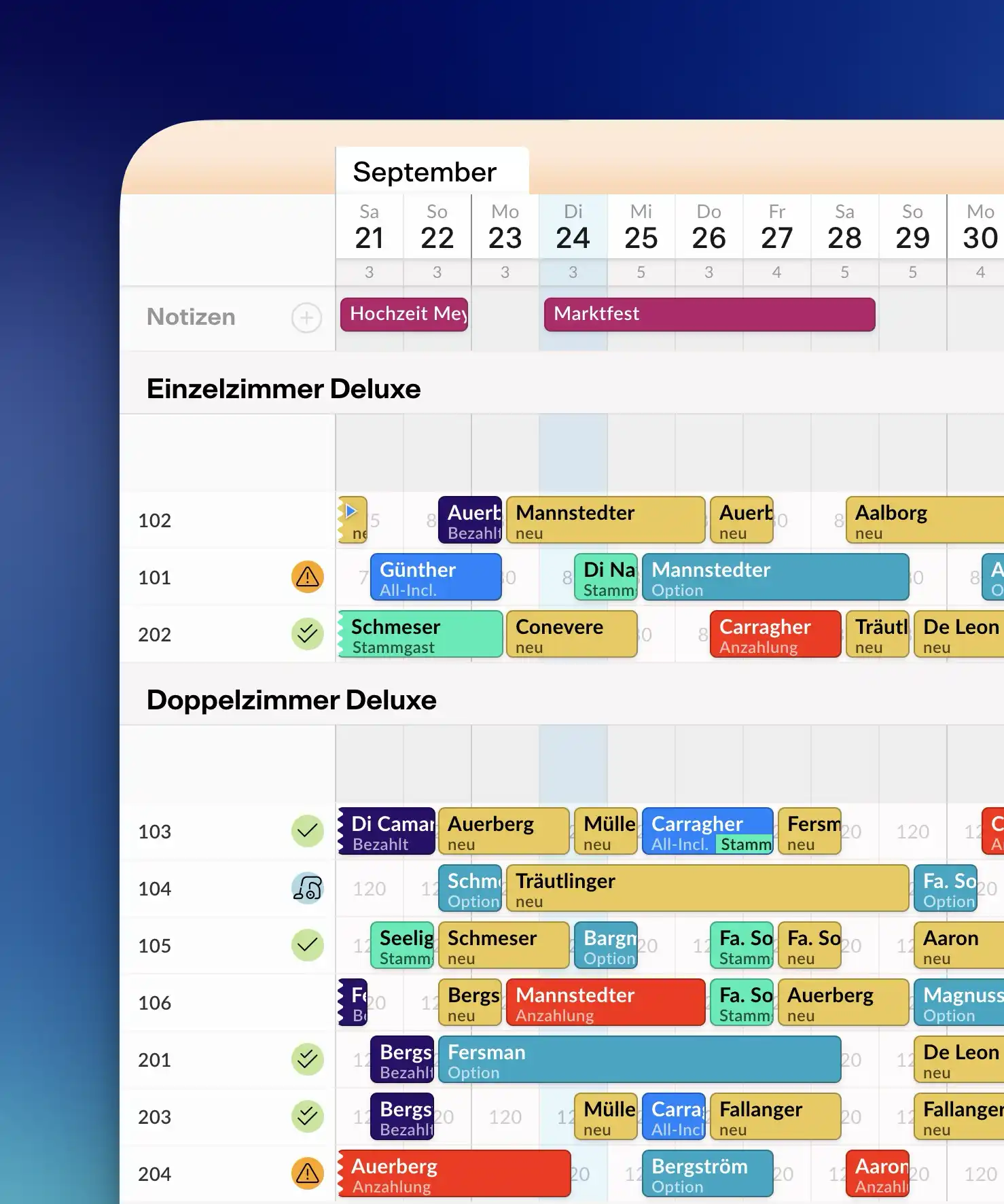
The occupancy calendar: your day at a glance

Create, move and extend reservations with drag and drop. The occupancy calendar shows arrivals, departures and room status live — and warns you before things get tight. Changes are instantly visible to the whole team, on any device.

  • Views for 2, 4 or 6 months with four zoom levels
  • Arrival and departure lists for front desk and breakfast service
  • Notes and color markers right on the reservation
Screenshot: occupancy calendar with drag and drop

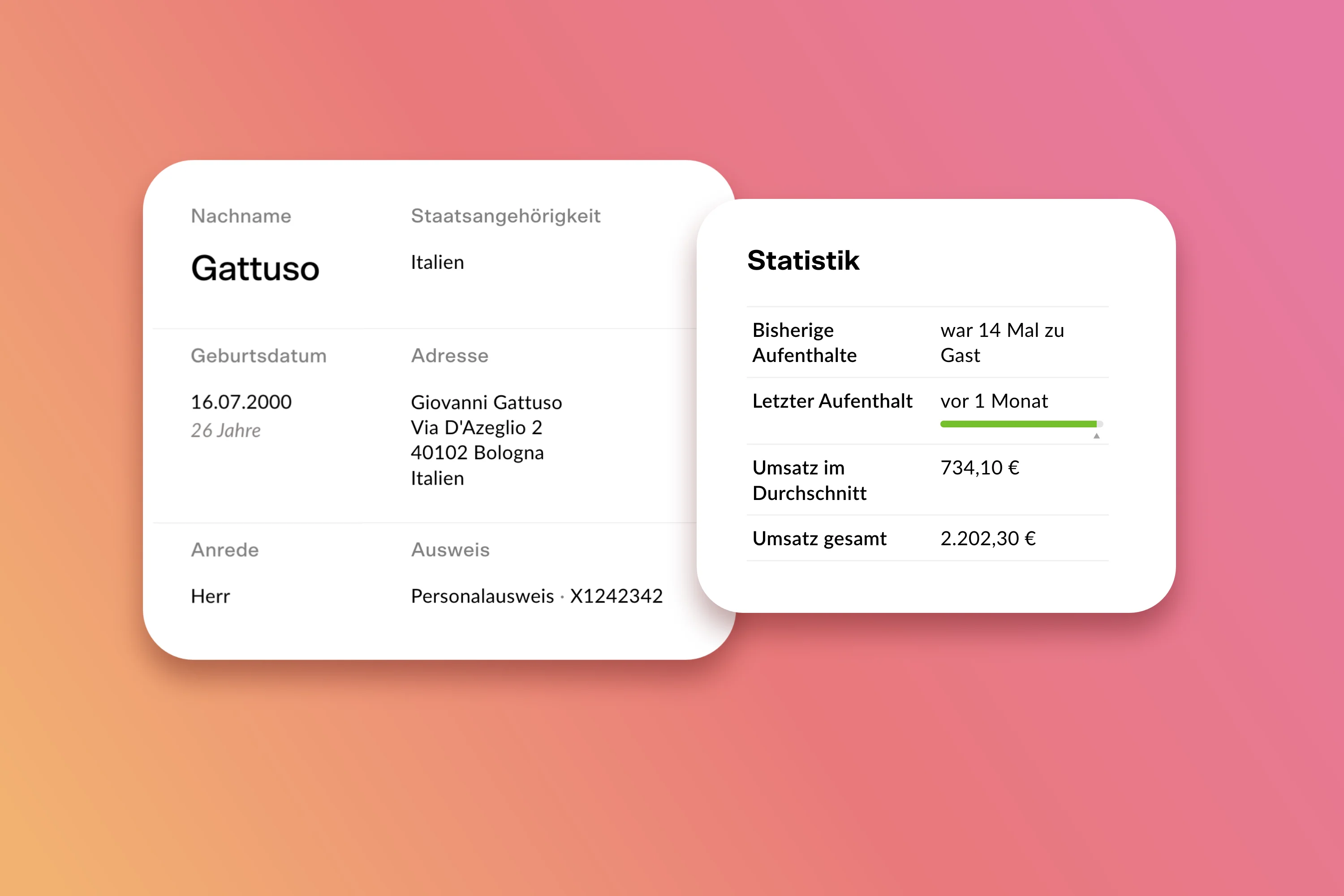
Guest profiles with history

Every guest has a profile: previous stays, billing address, notes and preferences. On the next visit their details are pre-filled, registration is done in no time — and your team knows who is arriving.

  • Regulars and corporate clients with stored rates
  • Digital registration form instead of paperwork
  • Stored GDPR-compliantly — hosted in Germany
Screenshot: guest profile

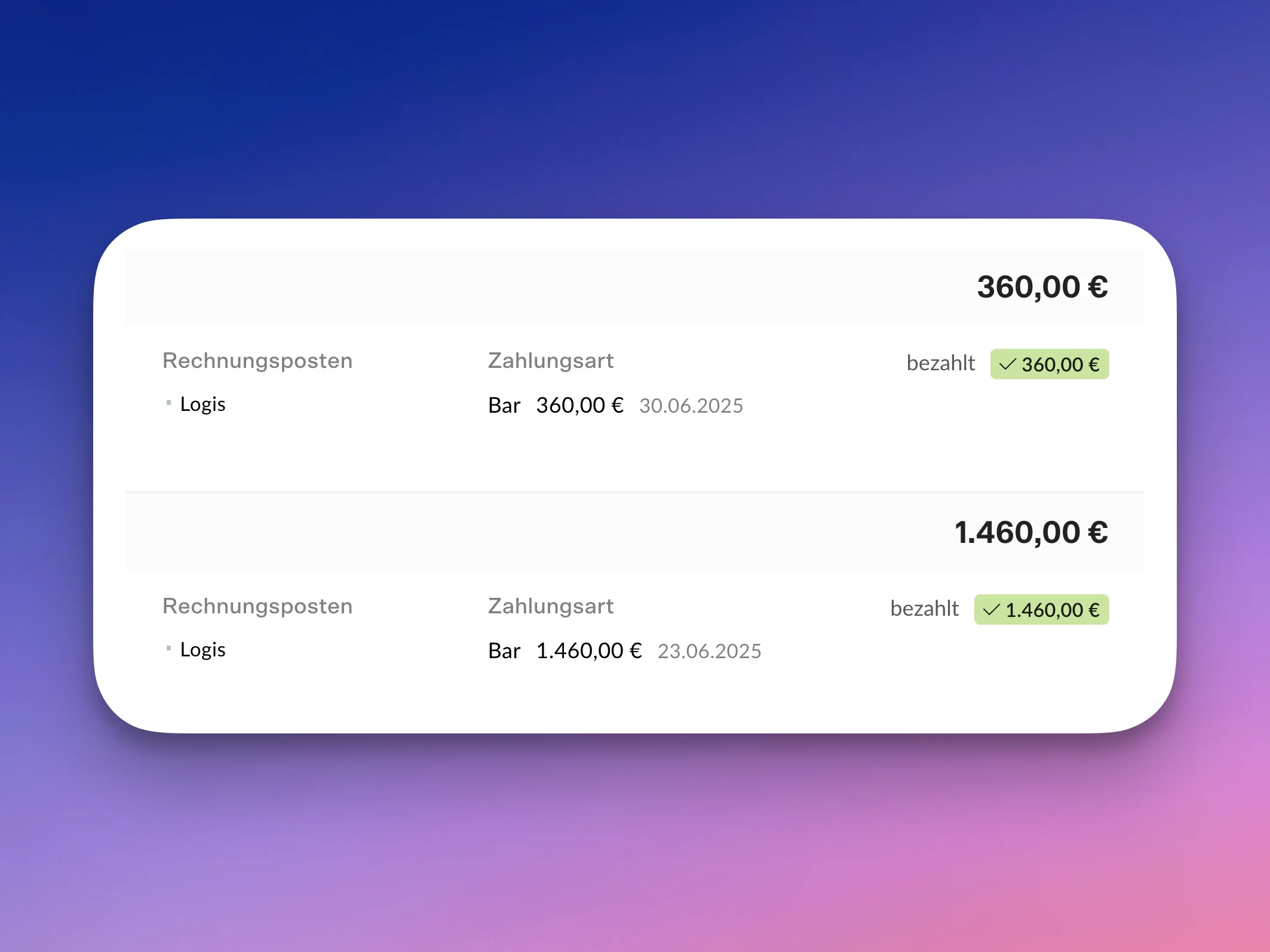
Invoices, receivables, end-of-day closing

Invoices are created straight from the reservation: nights, breakfast, restaurant revenue — split between company and private share if needed. The end-of-day closing summarizes all revenue, and the accounting export hands it to your accountant.

  • Invoice splitting, deposits and credit notes
  • Receivables management for corporate clients
  • Audit-proof, tamper-proof records
Screenshot: invoicing

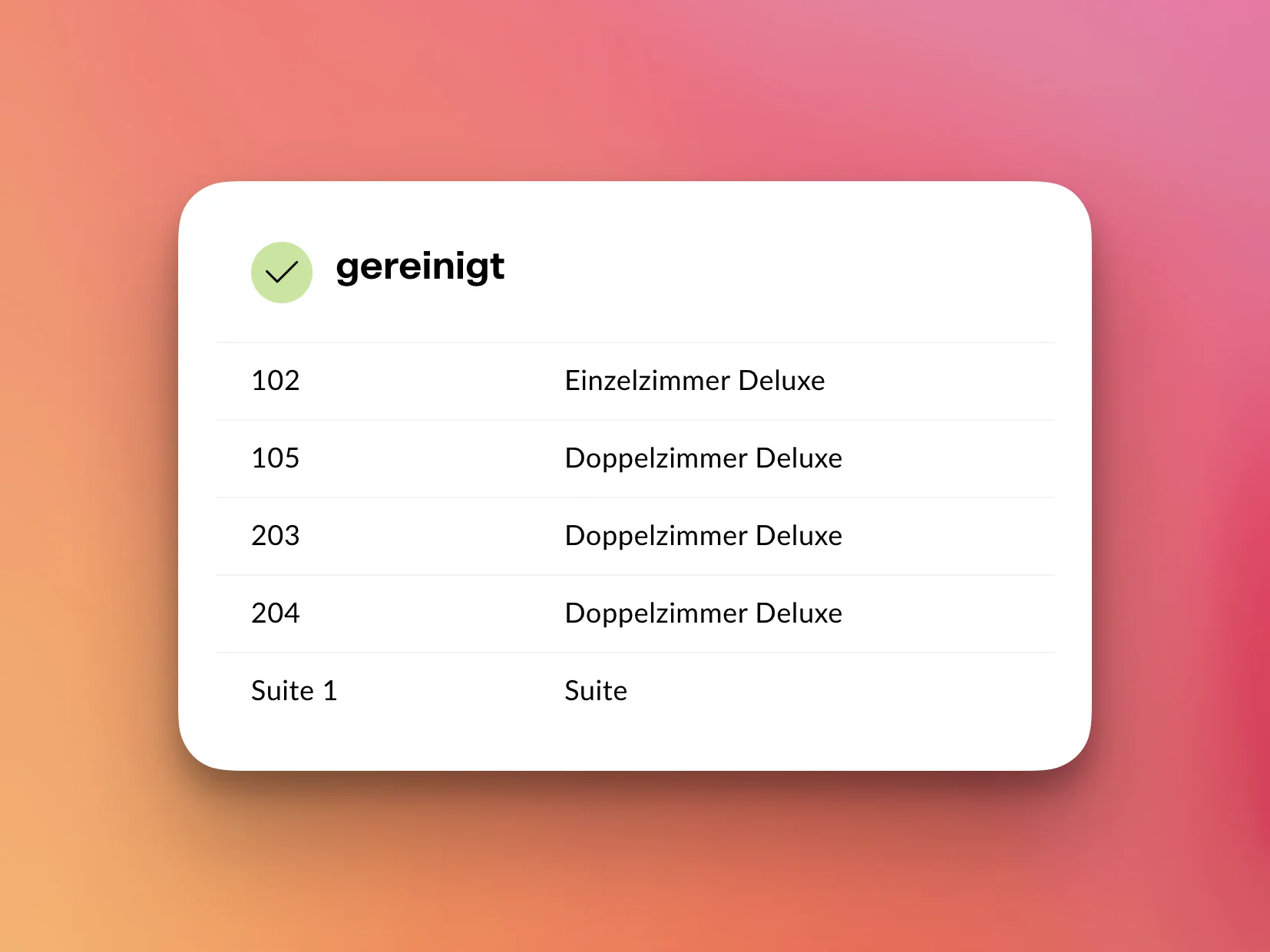
Housekeeping, synced live

Housekeeping sees on a phone or tablet which rooms need cleaning — the front desk sees live which ones are done. No shouting down the corridor, no printed lists.

Screenshot: housekeeping view

And there is more

Live statistics

Occupancy, revenue and ADR at a glance — updated daily, no spreadsheets.

Payments

Card payments, PayPal and Google Pay via Stripe & PayPal — linked directly to the reservation.

Multi-property

Manage several properties in one account with central reporting.

Learn more: Multi-property

Accounting export

Hand revenue and receivables cleanly to your accountant — incl. DATEV format.
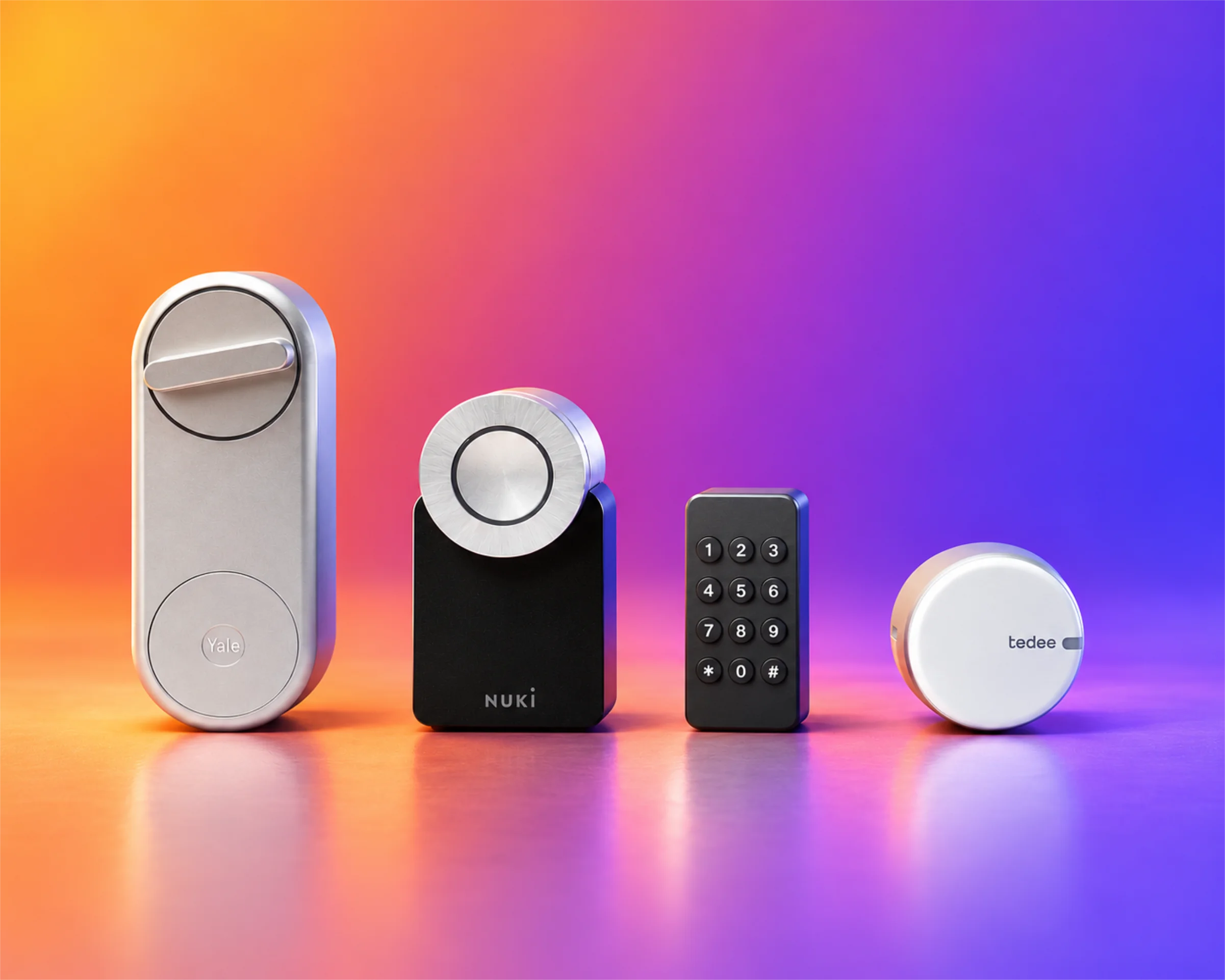
Smart locks and a keypad against an orange-violet background

Self check-in

Smart locks from many brands open the door for guests — even without a staffed reception.

Learn more: Self check-in

Frequently asked questions about the hotel PMS

What is the difference between a PMS and hotel software?
The PMS (property management system) is the core module of any hotel software: it manages rooms, reservations, guests and invoices. With Casona, the channel manager, booking engine and POS integration are included — one hotel software from a single source. The full explanation: What is a PMS?
Does the Casona PMS run on a tablet?
Yes. Casona runs entirely in the browser — on the front-desk PC, the tablet during breakfast service or the laptop at home. There is nothing to install.
How do I migrate from my current system to Casona?
Our team helps personally with the switch: master data, rooms and future reservations are migrated so no booking is lost. More on the page switching from your legacy system.
Is the occupancy calendar easy to use for staff without prior experience?
Yes — the calendar works like a clear week view with drag and drop. New team members usually work independently after a short introduction; no training days required.

Upgrade your business.

Less admin, more hospitality: try Casona free for 30 days — no credit card, with personal help from our team in Hamburg.
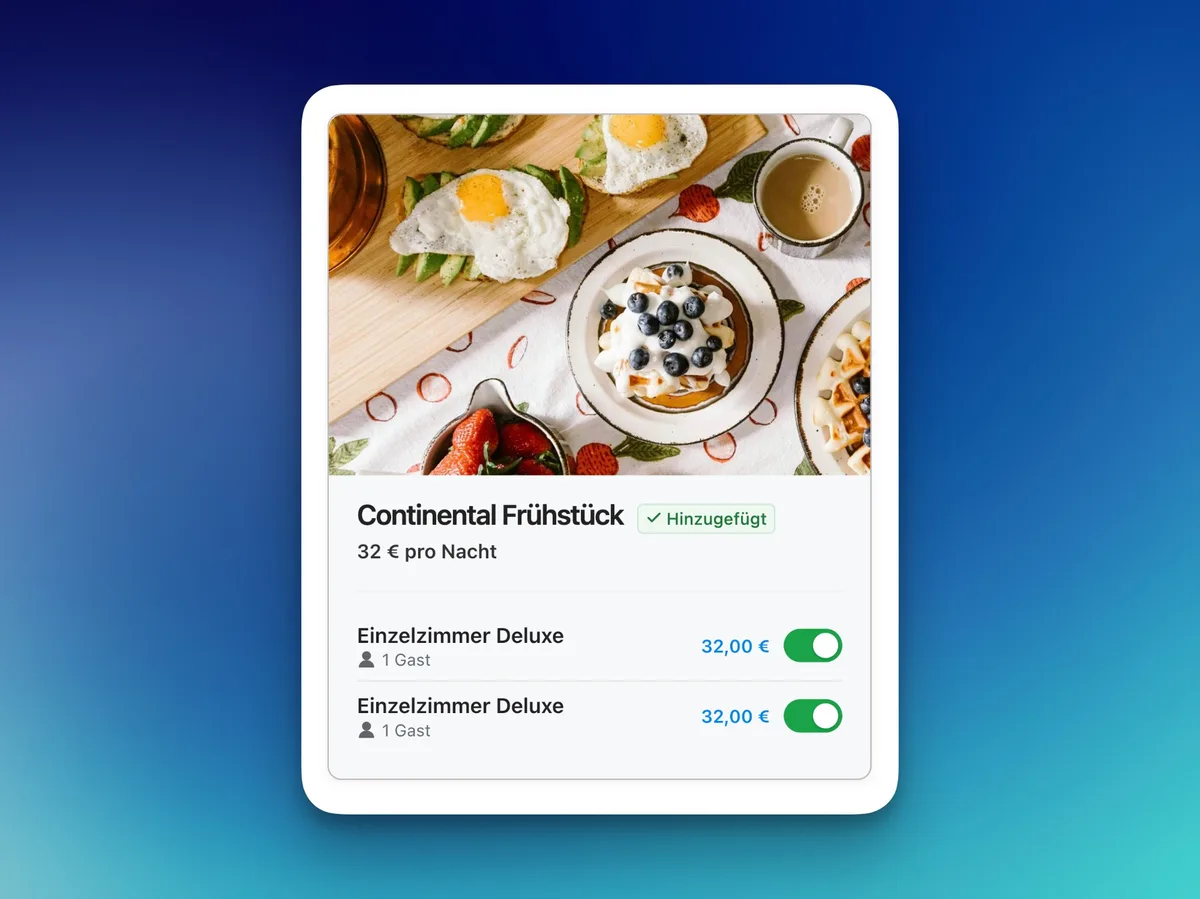
Casona view: Continental breakfast add-on, switched on per room