Yield management

Price optimization: one click, rates adjusted

Casona watches your occupancy and suggests rate changes — you apply them with a single click. Or let your rules work automatically from the start.
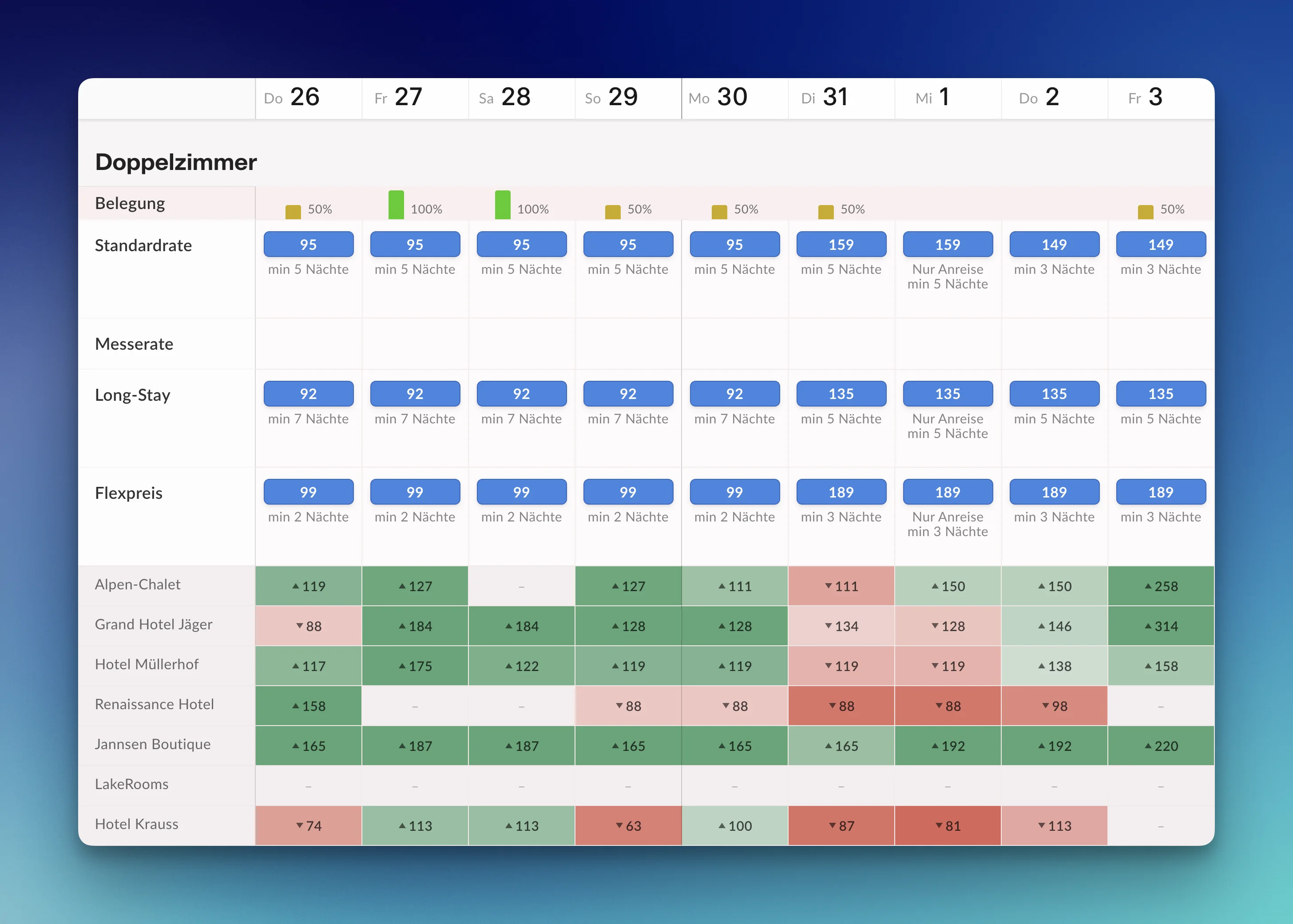
Price calendar with rate suggestions and competitor comparison

Price optimization at a glance

See pricing
  • Simple if-then rules Your pricing policy in plain words, no yield management know-how
  • New suggestions every day Per date, explained by current availability
  • One click, every channel Accepted rates go straight to the portals and booking engine
  • The market in view Rates of up to five competitors right in your rate calendar

Rules instead of gut feeling

You describe your pricing policy as simple if-then rules — separately for increases and decreases:

  • "If at most 3 rooms are left 30 days before arrival: raise the rate by 15%."
  • "If 10 or more rooms are still free 1 day before: lower the rate by 10%."

Casona checks the rules every day for the weeks ahead and turns them into concrete suggestions per date — each one transparently justified by the current availability.

You keep your hand on the price

Every suggestion can be accepted or declined with one click — for all categories together or per category. Accepted rates go straight to all portals and your own booking flow. Once a rule has proven itself, switch it to fully automatic.
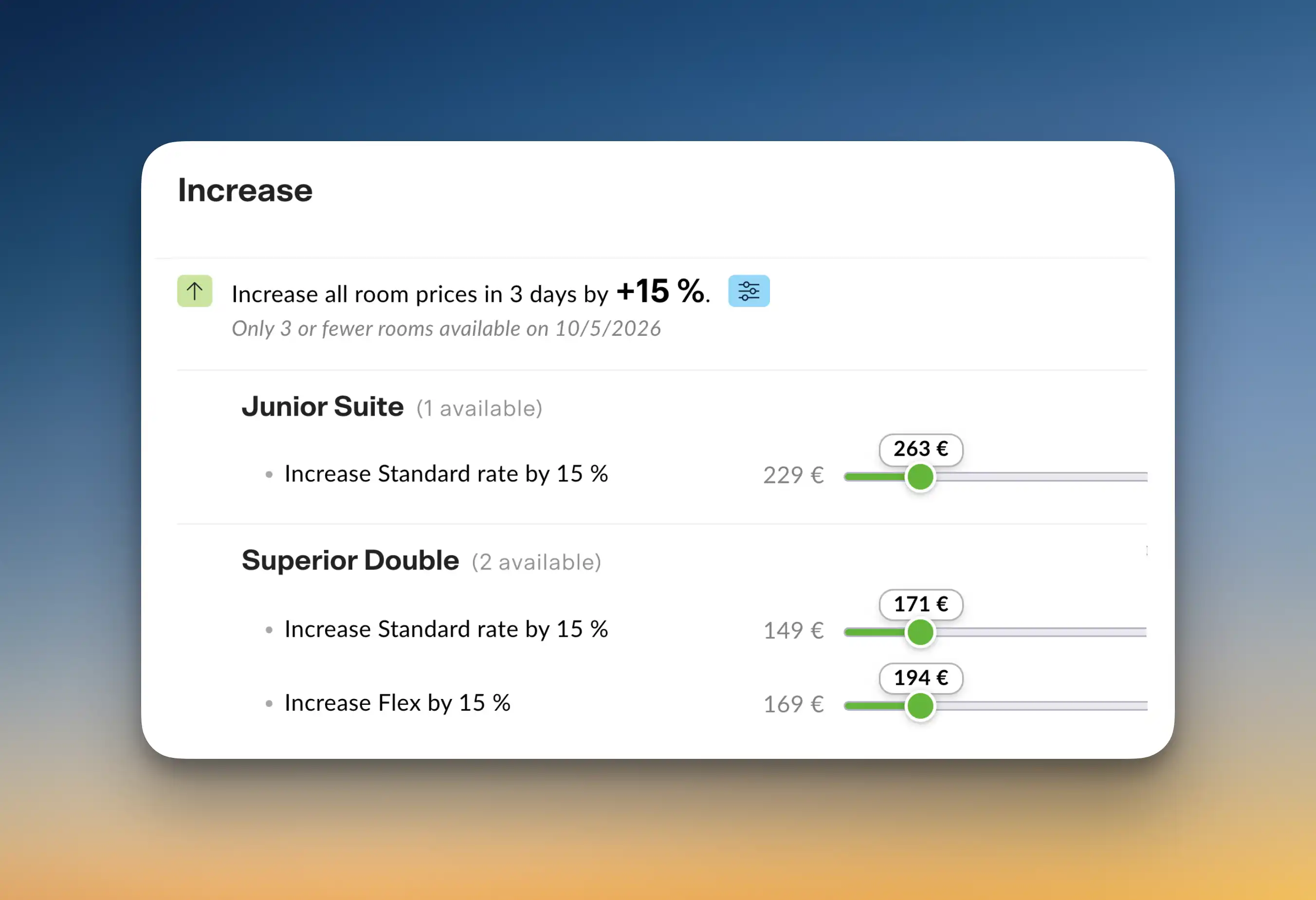
Screenshot: accepting / declining a suggestion

Keeping an eye on the market: the hotel comparison

What are the properties around you charging? The hotel comparison shows rates and availability of up to five competitors as a trend line — and overlays them right in your rate calendar. So you price with market context instead of flying blind.

Hotel comparison showing competitor rates and availability

Frequently asked questions about price optimization

Do I need to know yield management?
No. You define simple rules in everyday language — for example: "If plenty of rooms are still free shortly before arrival, lower the rate by 10%." Casona turns them into concrete suggestions every day. To get started: calculating room rates — yield management for beginners.
Does Casona change my rates without my knowledge?
Only if you want it to. By default you see every suggestion and apply it with a click — or decline it. Once you trust your rules, you can switch on automatic execution; we recommend testing each rule in manual mode first.
Do the new rates also apply on Booking.com & co.?
Yes. Accepted rate suggestions are automatically pushed via the channel manager to all connected portals and to the booking engine.
Can I see my competitors' rates?
Yes — with the hotel comparison you monitor rates and availability of up to five competitor hotels and see them as a trend line and right in your rate calendar.

Upgrade your business.

Less admin, more hospitality: try Casona free for 30 days — no credit card, with personal help from our team in Hamburg.
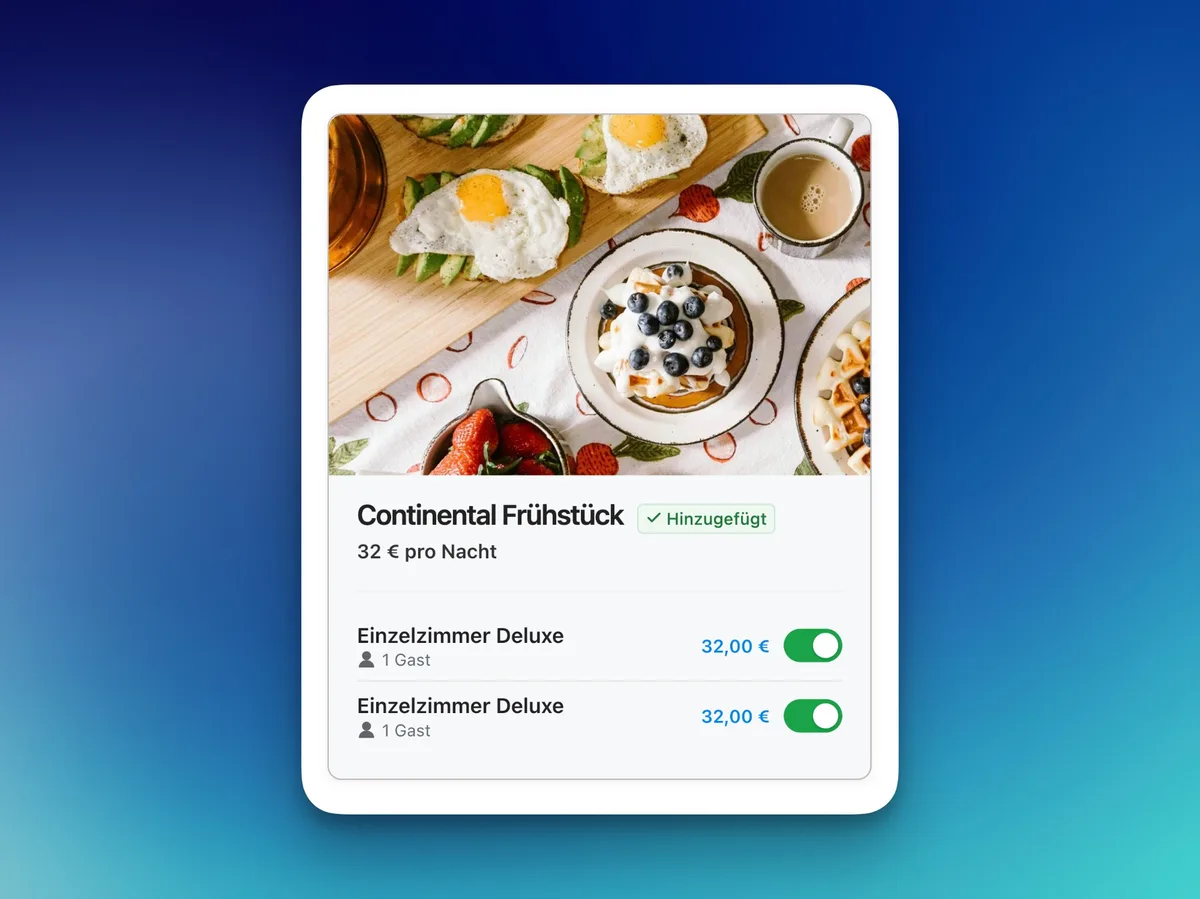
Casona view: Continental breakfast add-on, switched on per room