Changing Prices After the Fact
HotelManager offers two options for charging guests a price different from the one originally quoted. This may be necessary, for example, if you want to offer a discount or if a guest received an upgrade.
First option
In the reservation, open the “Accommodation” section for the desired room. There, you can adjust the price as needed.
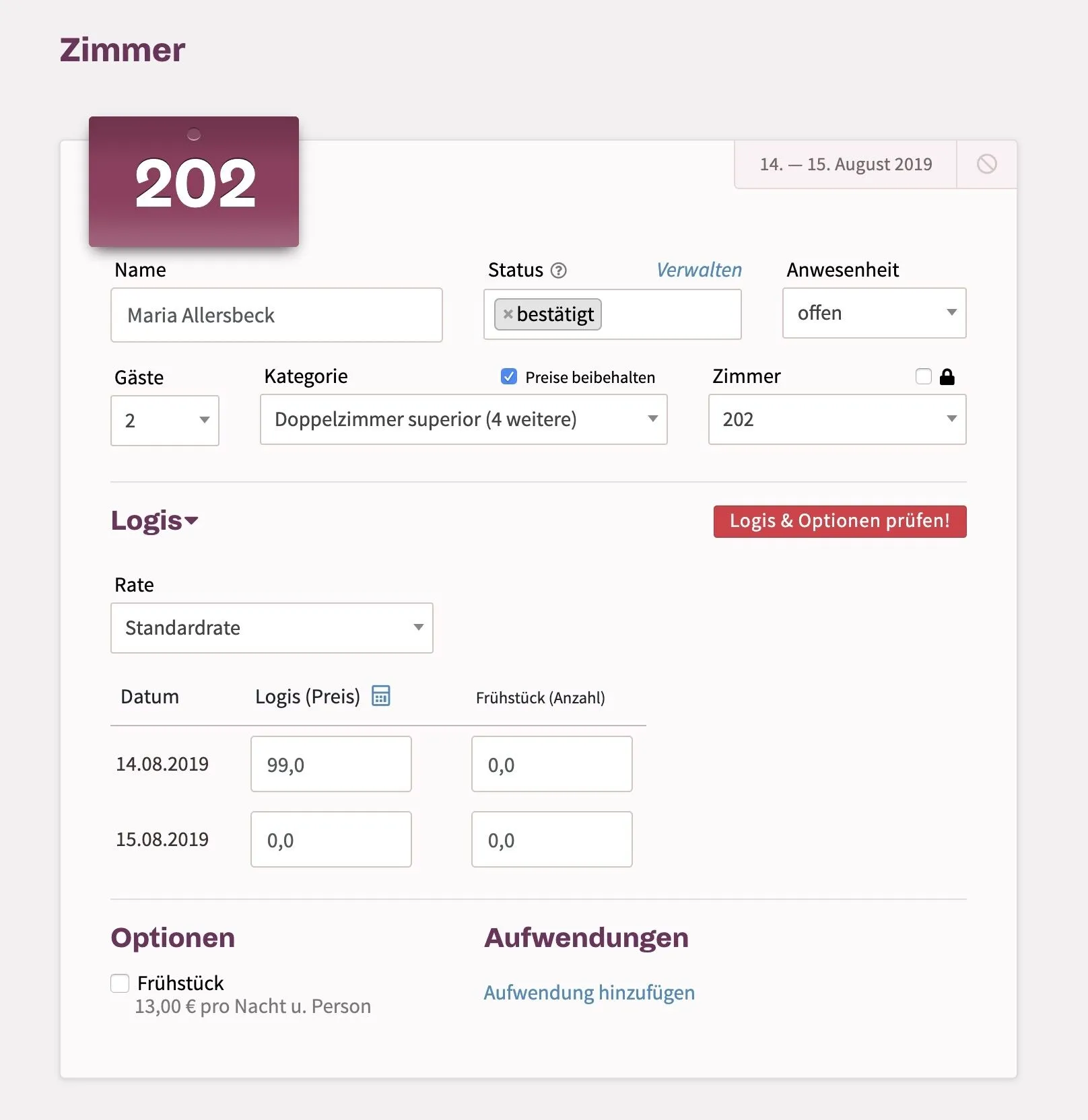
In the "Accommodations" section, you can manually set specific prices as desired.
Second option
Alternatively, you can add a new expense under the “Expenses” section. This could be labeled “Discount” or “Upgrade,” for example. If it’s a discount, enter a negative number there so that the price is reduced.
