Set Rates
Why Different Rates?
Demand for a room can vary depending on the time of year. For example, during a trade show, you can expect particularly high guest interest. Rooms are generally offered at higher rates during these times. At the same time, the terms and conditions for guests are often stricter.
If a guest does not show up at the hotel as planned, it is particularly frustrating when a cancellation occurs at very short notice, especially given otherwise high demand. It is not always possible to immediately secure a new booking to compensate for the loss.
To ensure stable revenue planning during peak periods, hotels often impose the following conditions on guests when they make a reservation:
- No option to cancel after a certain point in time prior to arrival (e.g., no changes allowed 2 days before arrival)
- Limited cancellation options (e.g., payment of at least 50 percent of the original price)
- Prices must be paid immediately or in advance (prepayment)
- Minimum stay (e.g., on New Year’s Eve, bookable only for a minimum of two nights)
Configure Settings
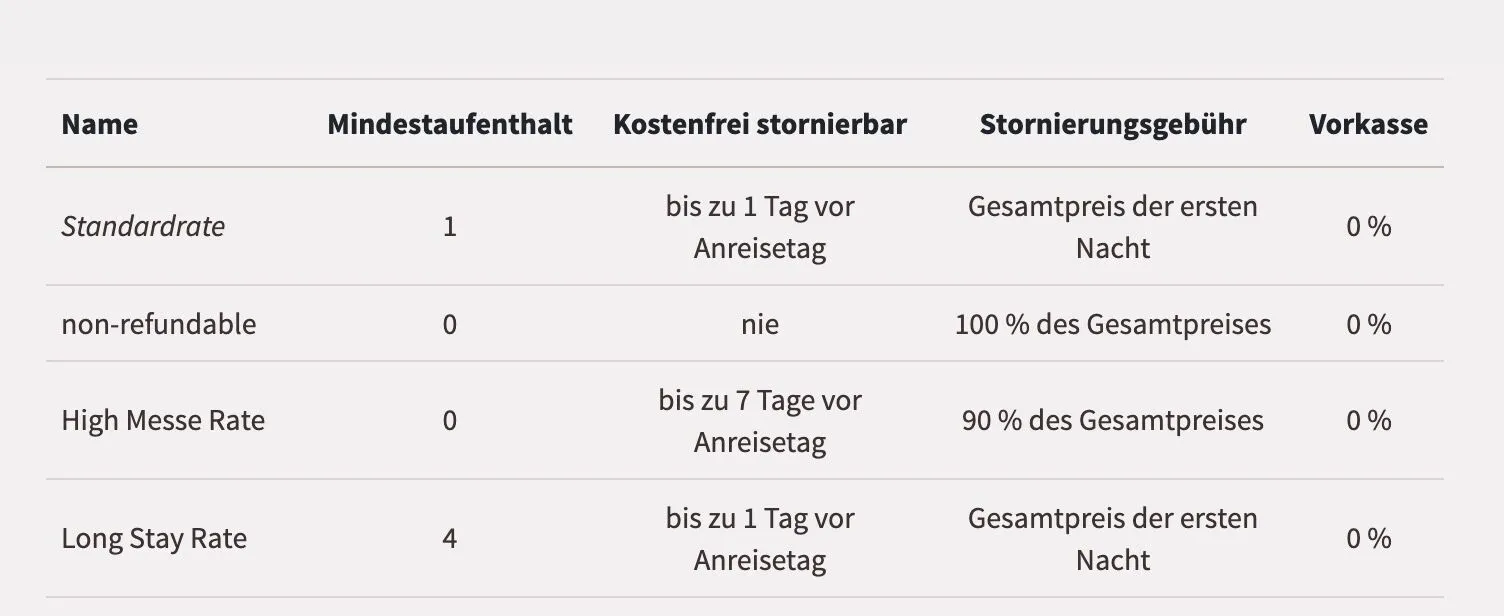
These settings for various guest conditions give you a wide range of flexibility. The overview page for your rates (Rooms / Rates menu) displays all currently configured rates:
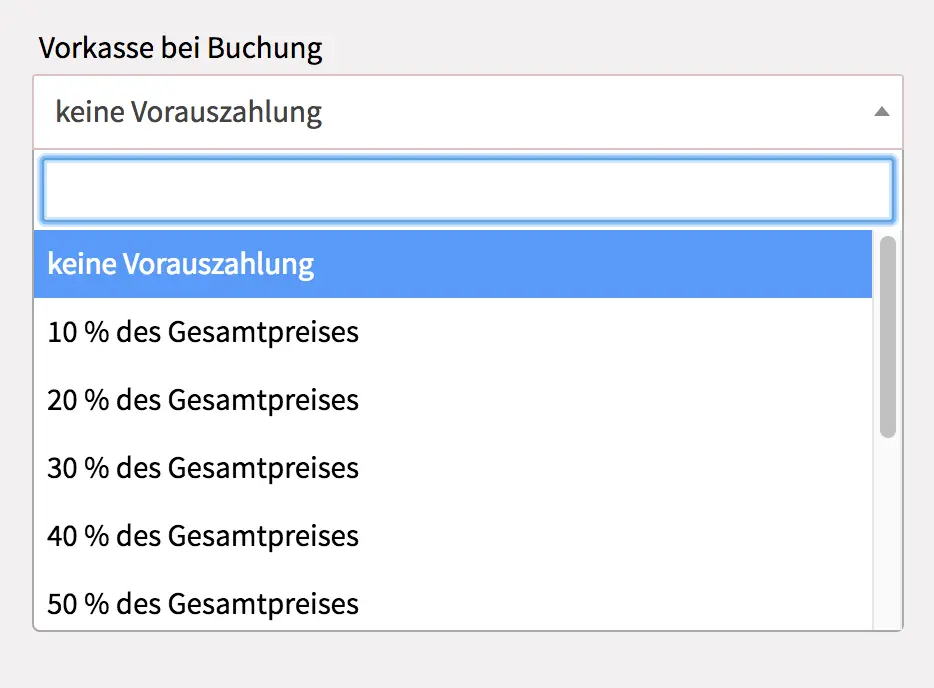
In the installment settings (in the "Rooms" menu section), you can specify for each installment what percentage of the total amount the guest must pay in advance.