Offer Children's Rates
Families prefer to book places where the price is right from the start. With children’s rates, your Casona BookingEngine asks for the number of adults, children, and infants traveling with each booking and automatically calculates the appropriate price.
To set this up, you simply define once the age limits for infants and children, how many people from each age group can fit in a room, and the nightly rates for children and infants.
The age information from the booking is automatically transferred to your Casona HotelManager: Each child receives their own guest profile, and the city tax can also be calculated based on age.
1. Activate occupancy rates
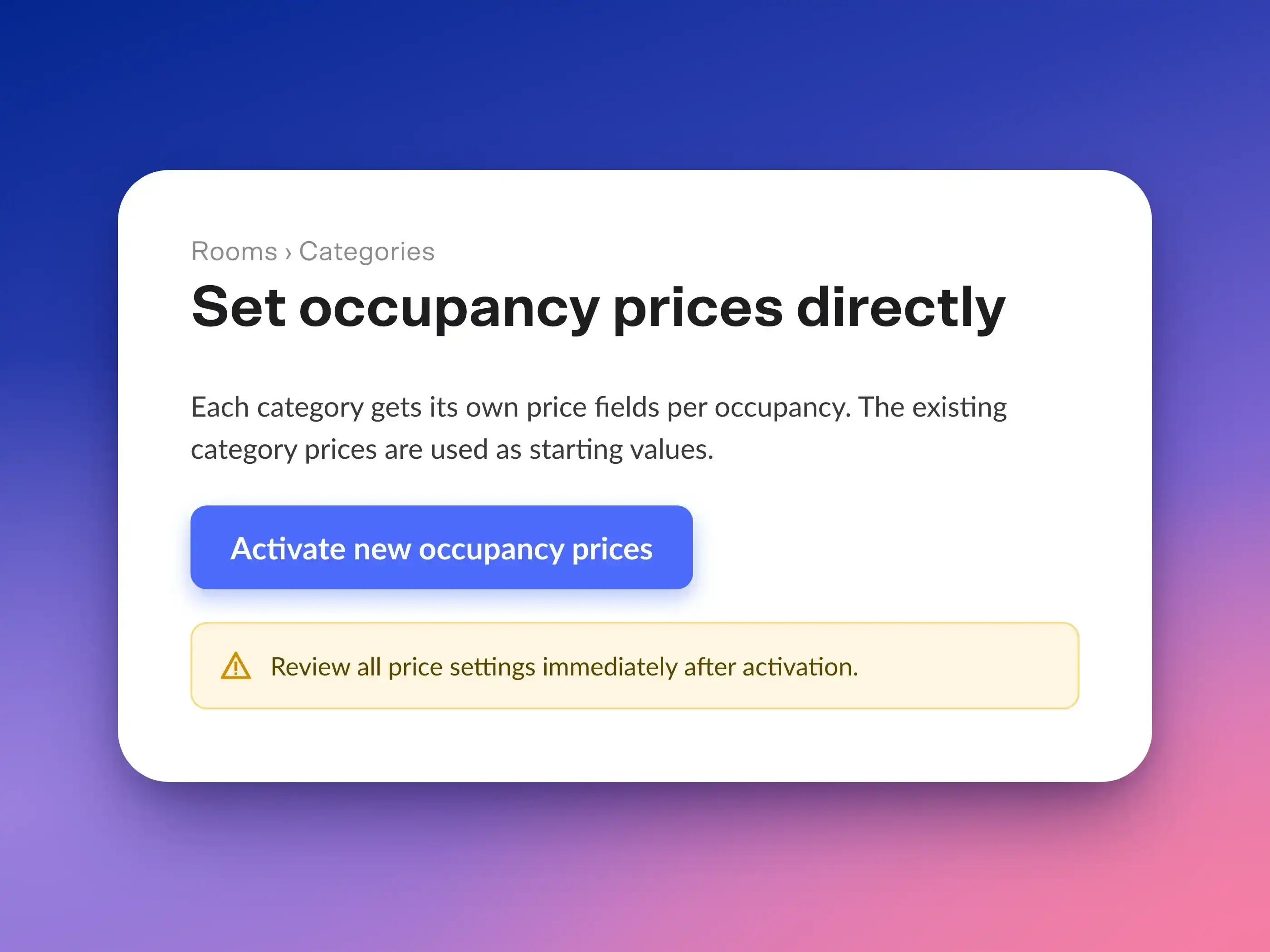
- Select the menu item Rooms > Categories.
- Click on “Activate New Occupancy Rates.” This button only appears if your hotel still bills for occupancy based on booking options.
- Then, under Booking Engine > Preview, select Version 2 of the Booking Engine.
2. Enable separate prices for children
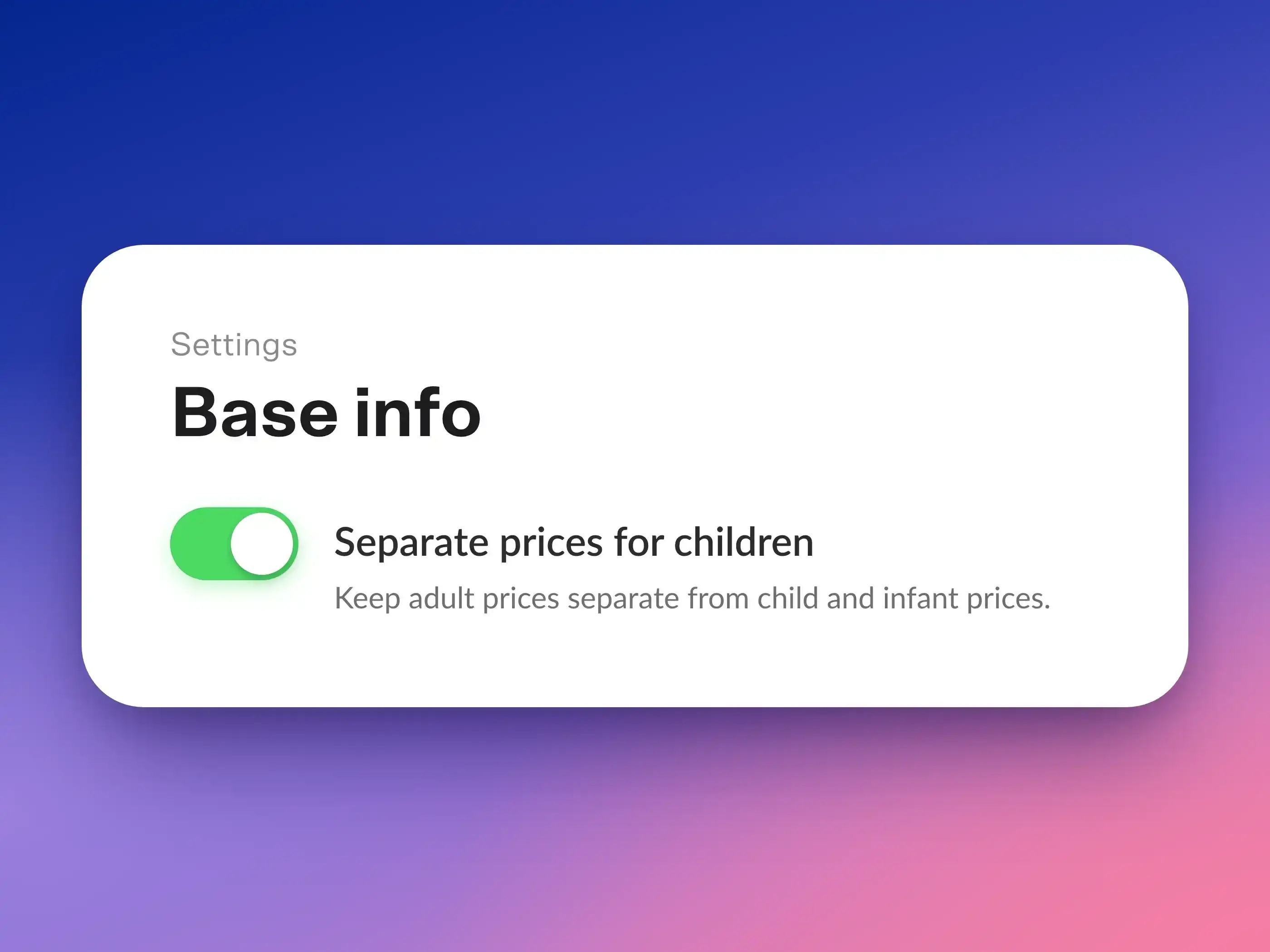
- Select Settings > Basic Info.
- Enable “Separate Rates for Children” and save.
From now on, the BookingEngine will query adult and child rates separately. If the toggle is off, guests select only a total number of guests, and children are charged the same rate as adults.
3. Set Age Restrictions
- Select Settings > Reservations, then click the Age Limits tab.
- Enter the maximum age (inclusive) up to which guests are considered infants or children.
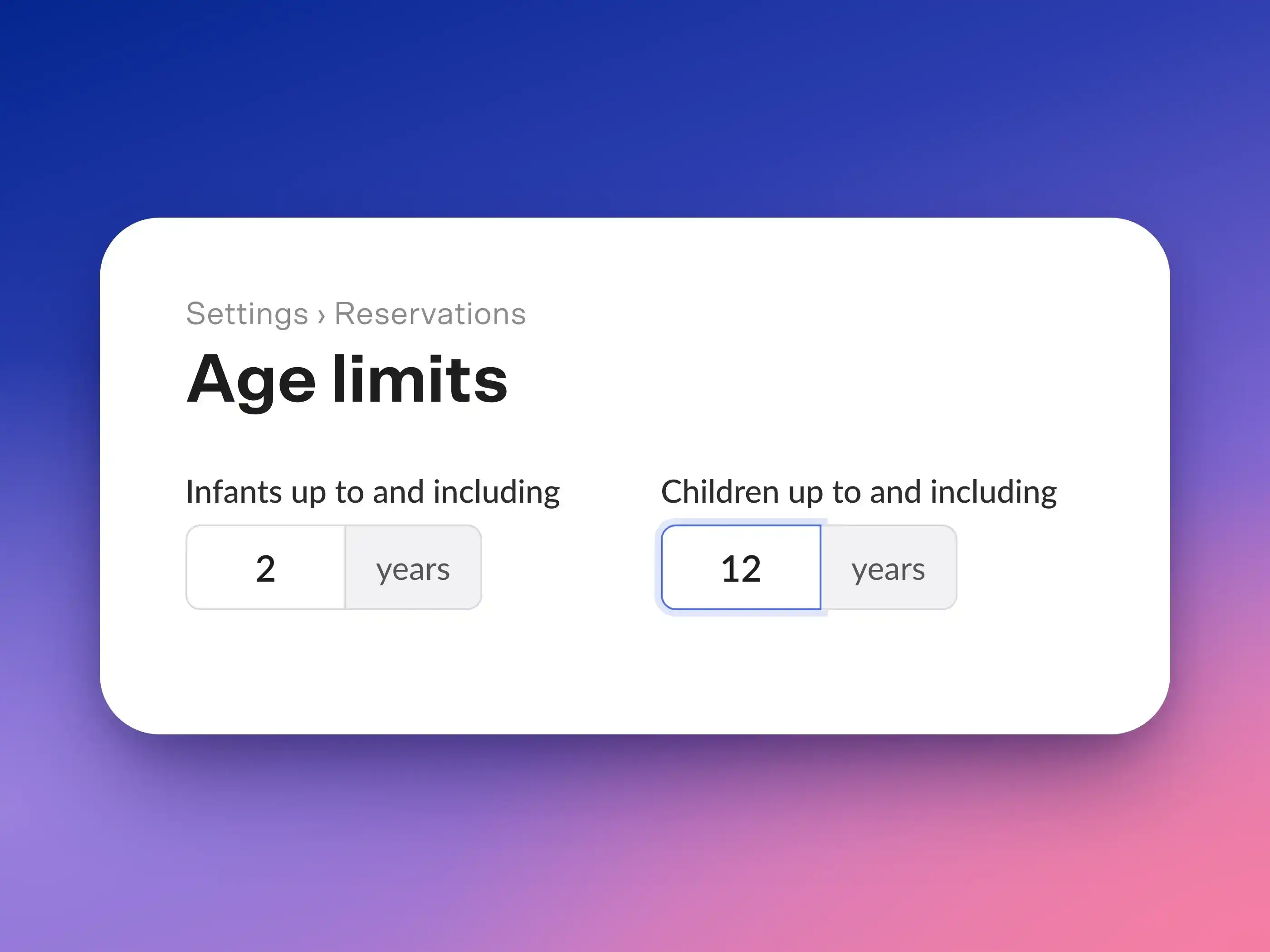
When you enable children’s rates, Casona suggests 2 and 12 years. Adjust these values to fit your property. In the BookingEngine, guests specify the age of each child upon arrival, and the age group is determined automatically.
Tip: Do you want to offer discounted rates only for toddlers and charge everyone else the adult rate? Set both age limits to the same value, e.g., 2 years. Then there will be no separate “Children” age group.
4. Set the maximum occupancy per category
- Select Rooms > Categories and open a category.
- Under "Maximum Occupancy by Age Group," specify the maximum number of adults, children, and infants that can stay in a room.
- Also, check the “Maximum Number of Guests.”
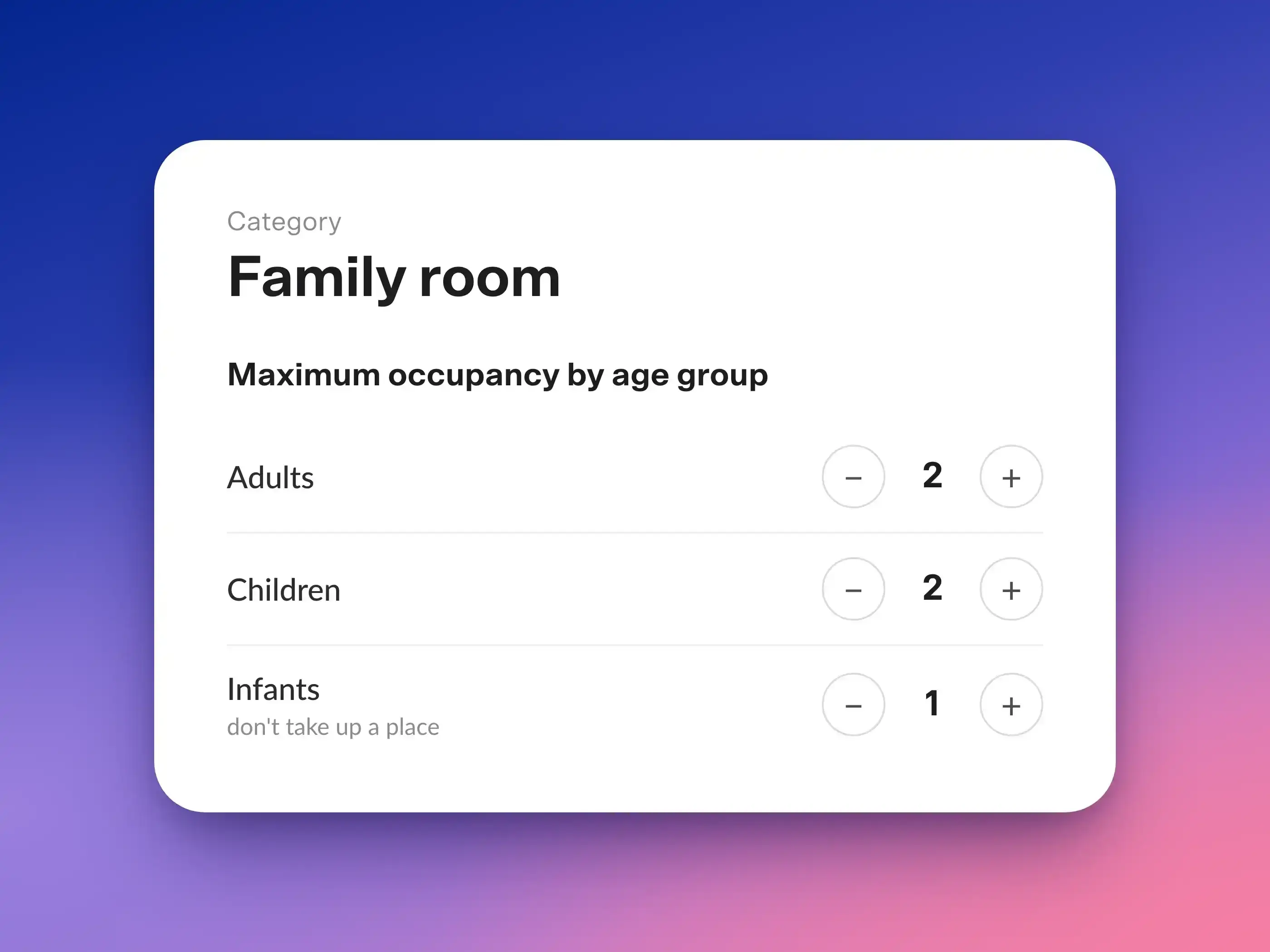
Example: A family room for up to 3 guests—2 adults, 2 children, and 1 infant—can be booked for 2 adults + 1 child or 1 adult + 2 children, with an additional infant in each case.
- A blank field means unlimited. Therefore, please enter a maximum value even for infants, e.g., the number of cribs per room.
- Infants do not count toward the occupancy limit: The maximum number of guests includes only adults and children.
5. Maintain Occupancy Rates
In the "Prices" section of the category, enter the accommodation price for adults for each occupancy type. The price for the standard occupancy is your base price, which you can adjust on a daily basis in the price calendar. For the other occupancy types, the displayed difference applies.
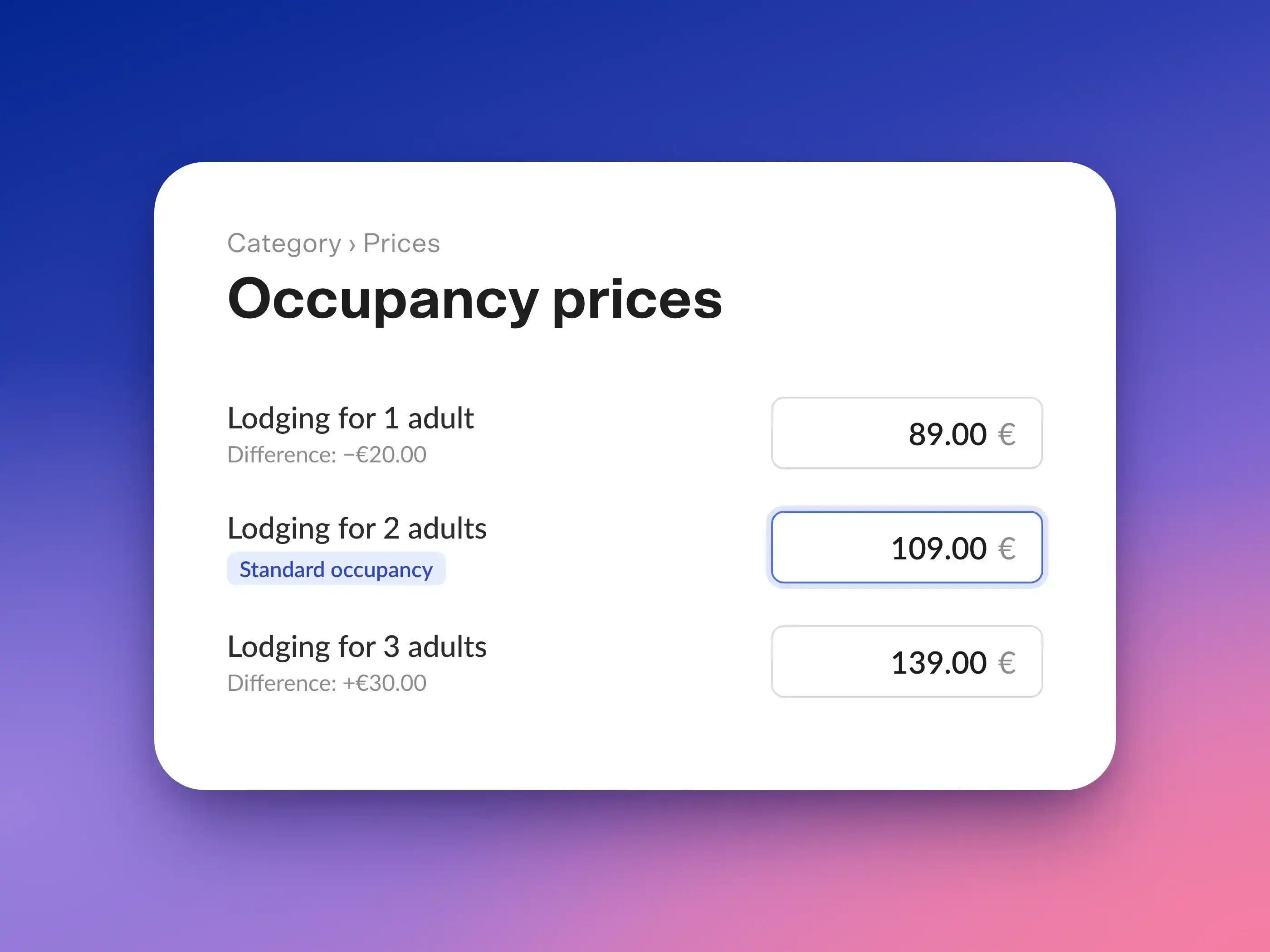
Enter the rates for all occupancy levels up to the maximum number of guests. This is especially important if you’re specifying children’s rates as a percentage (see the next step).
6. Enter prices for children and infants
Directly below that, specify the rates for children and infants. For the price per child, choose between a fixed amount and a percentage:
- Fixed amount (€): The child rate is added to the adult rate per child per night. Example: 2 adults at 109 € + 1 child at 25 € = 134 € per night.
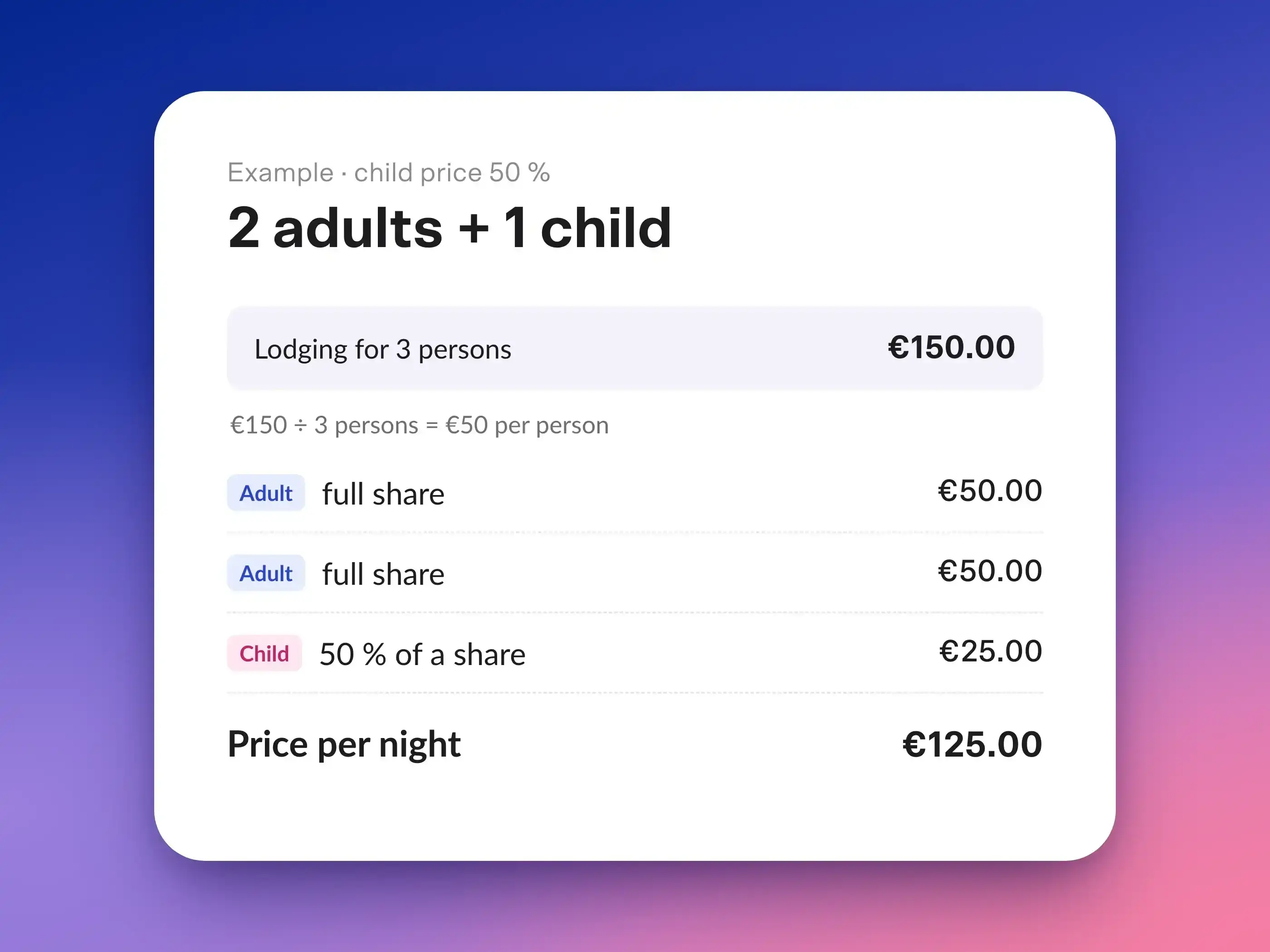
- Percentage (%): The price for the total occupancy (adults and children) is divided per person. A child pays the specified percentage of that amount. So 50% means: The child pays half of an adult’s share.
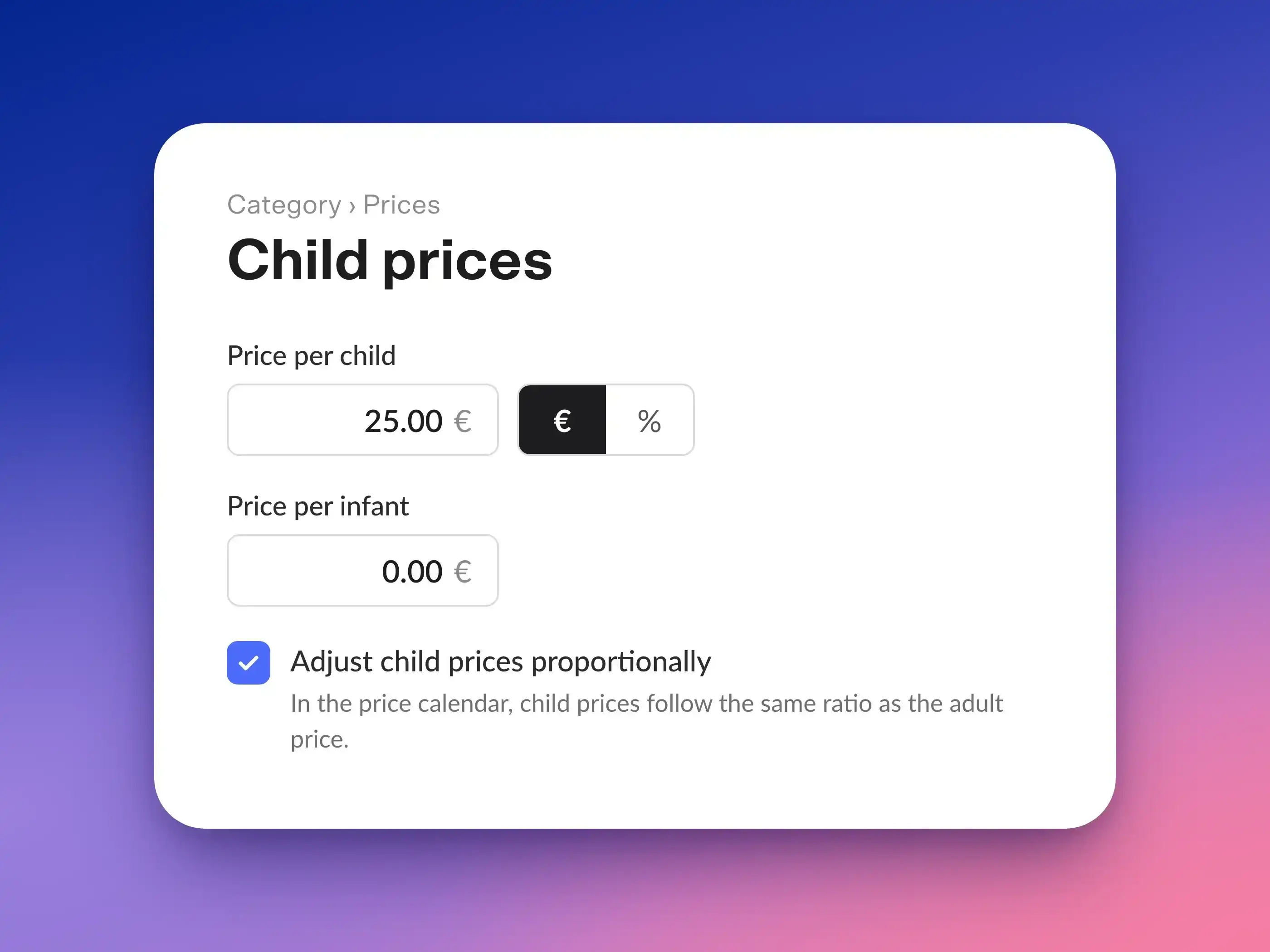
The price per infant is always a fixed amount per night, e.g., for a crib. If the price is €0, infants stay for free.
If your prices fluctuate significantly in the pricing calendar, enable “Adjust Child Rates by Percentage”: Fixed child rates will then rise and fall in the same proportion as your daily rate. For percentage-based child rates, the option is called “Adjust Toddler Rates by Percentage,” since the child rate will follow the daily rate anyway.
Here’s how a 50% child rate works:
7. City Tax by Age (optional)
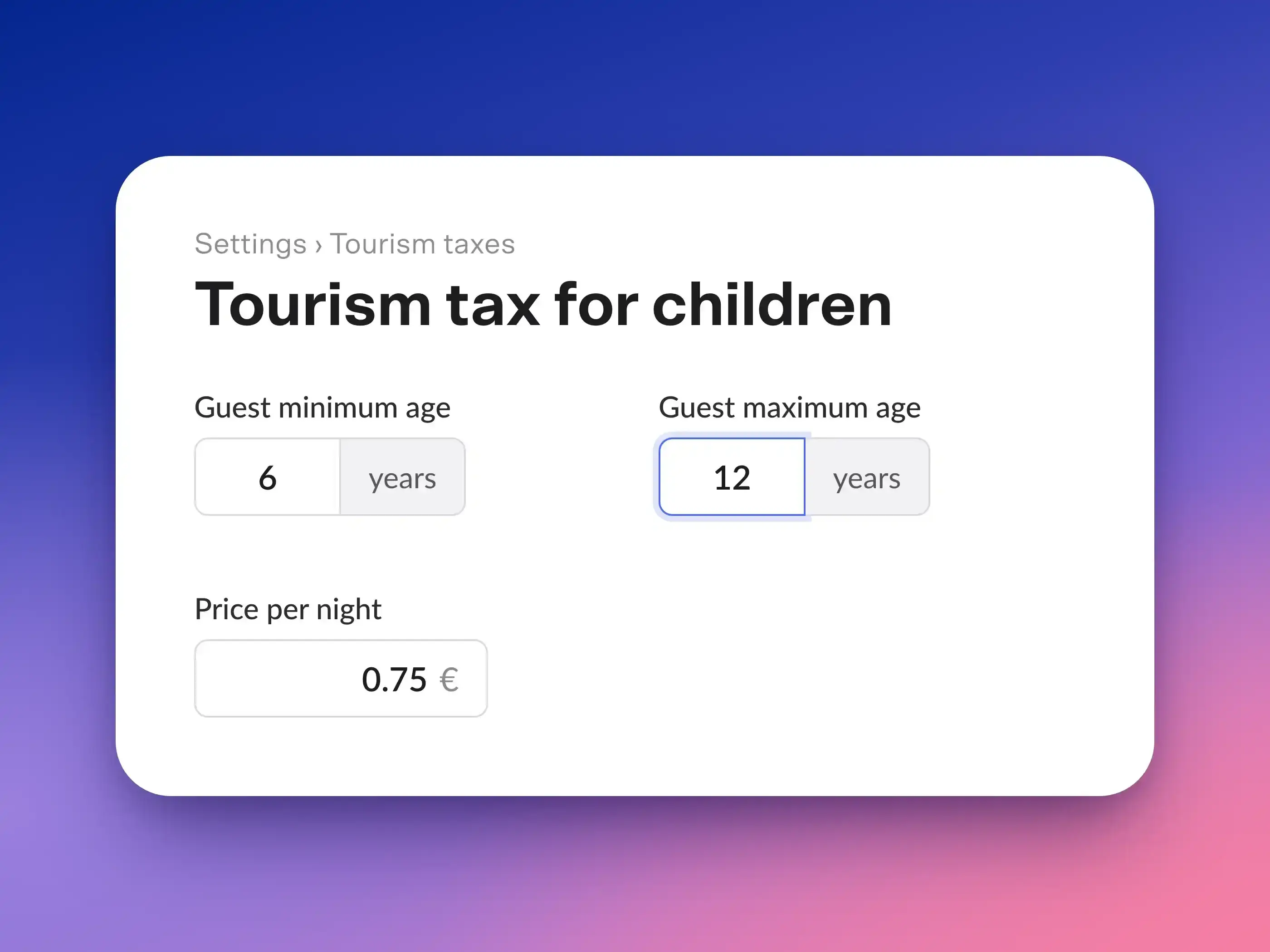
Are children in your municipality exempt from the city tax, or do they pay a reduced rate? Under Settings > City Tax, create a custom rate, enable “Calculate per person,” and set the rate’s minimum and maximum guest ages. Casona will then select the rate based on the age provided at the time of booking.
How Your Guests Book
In the BookingEngine, your guests select the number of adults and children per room and specify the age of each child upon arrival. Only the number of guests and ages that fit within the respective category are offered. The displayed price immediately includes the rates for children and infants.
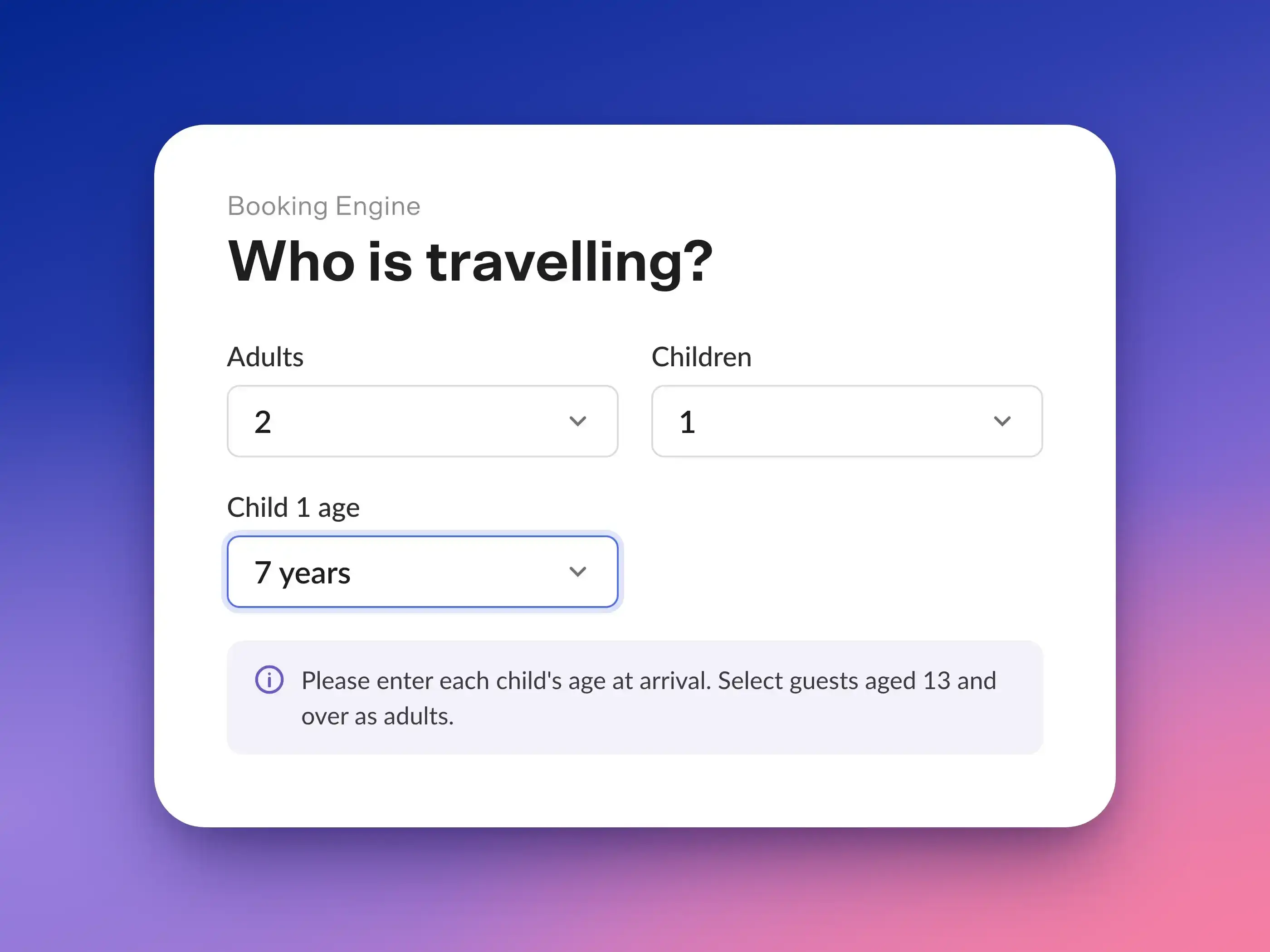
In the reservation, you will then see the number of adults, children, and infants. Each child is assigned a guest profile with the specified age, which can be updated with the exact date of birth at check-in.
Tip: Use “Booking Engine > Preview” to make a test booking with children of different age groups and check the prices displayed.
Good to Know
- Services “per guest,” such as breakfast, are charged for children as well as for adults, but not for infants. There is no separate children’s rate for services.
- Fixed rates for companies/categories completely replace the children’s rates.
- Booking portals: Only prices for adult occupancy are transferred via the channel manager. For bookings made through portals, the price calculated there applies.
- Existing bookings retain the children’s rates from the time of booking. Subsequent changes apply only to new bookings.
- Do you want to ensure that the price of existing bookings does not change if you add additional guests later? Under Settings > Reservations > Functions, enable the option “Retain room rates and booking options when occupancy changes.”
Checklist
- ☐ New occupancy rates enabled and all rates checked
- ☐ BookingEngine Version 2 selected
- ☐ Separate rates for children enabled
- ☐ Age limits for infants and children set
- ☐ Entered the maximum number of guests, adults, children, and infants in each category
- ☐ Updated occupancy rates in each category up to the maximum number of guests
- ☐ Price per child and price per infant entered for each category
- ☐ Optional: City tax rate for children with age limits created
- ☐ Test booking with children reviewed in the preview
