Connect Locking Systems to Casona
You can connect your hotel’s locking system or your installed smart locks to Casona. This allows you to automate many processes, such as sending access codes to guests.
Setup
Set up the locks in your hotel according to the manufacturer’s instructions. This can be done either via a local server at the hotel or using a smartphone app.
Connecting to Casona
Once the locks have been set up on-site, you can connect the system to Casona. To do this, select “Access Systems” from the “Rooms” menu.
Click “Add.” You will now be prompted to give the system a name. Here, you can enter, for example, the name of the lock system provider. You will then be redirected to establish the connection between Casona and the manufacturer.
Linking the Locks to the Rooms
Now that your Casona account is connected to the locking system, you can assign the locks to the rooms. To do this, select “Room List” from the “Rooms” menu.
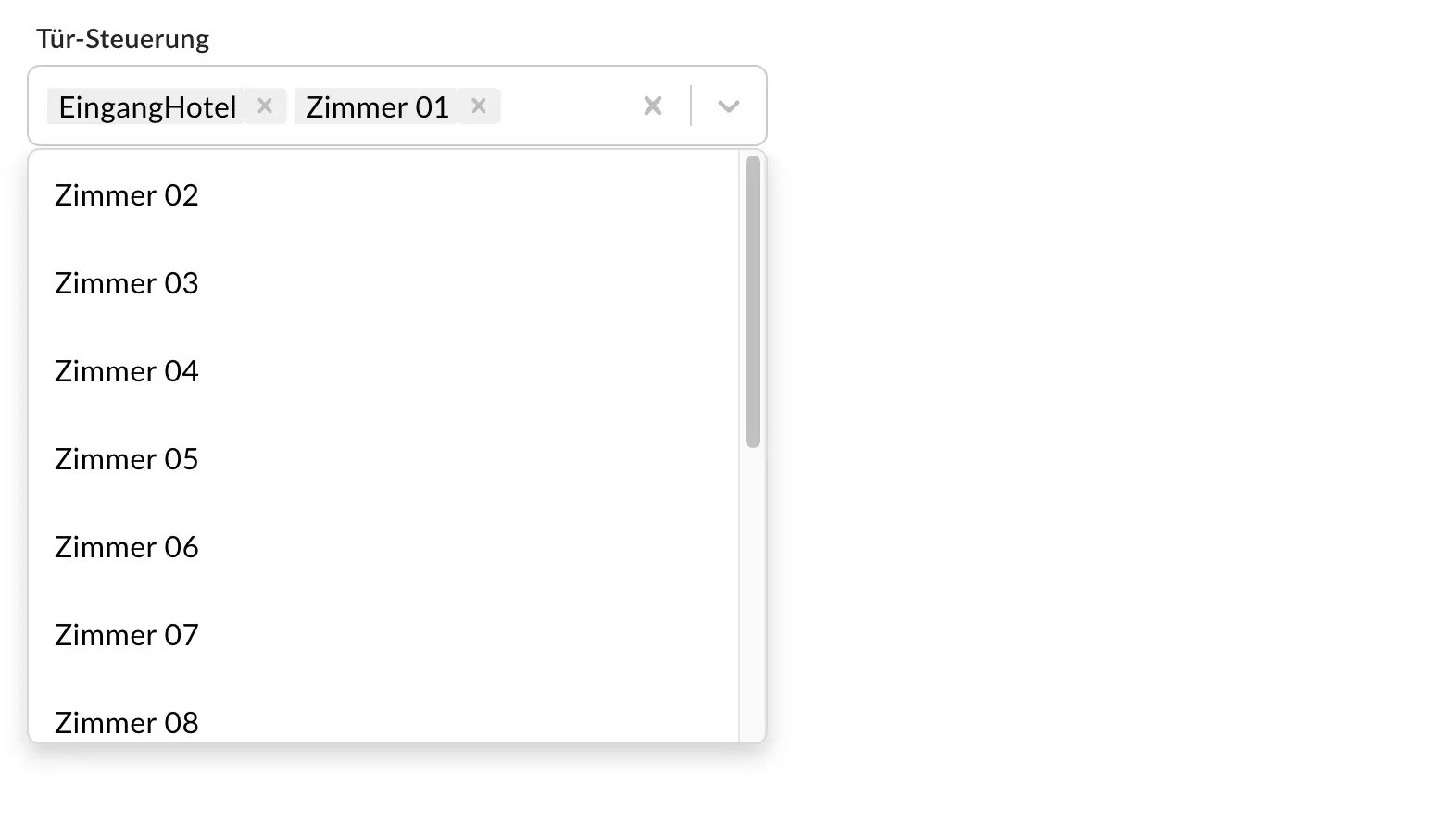
For each room, you’ll now see the option to assign locks under “Door Control.” You can assign a single lock to multiple rooms to link all locks from the hotel entrance to the room door.
Automatic Code Generation
If your locking system uses PIN codes that guests must enter to unlock the door, this code is generated automatically. You can change it at any time. To do so, click on the “Room” tab in the desired reservation and then click on the code displayed there.
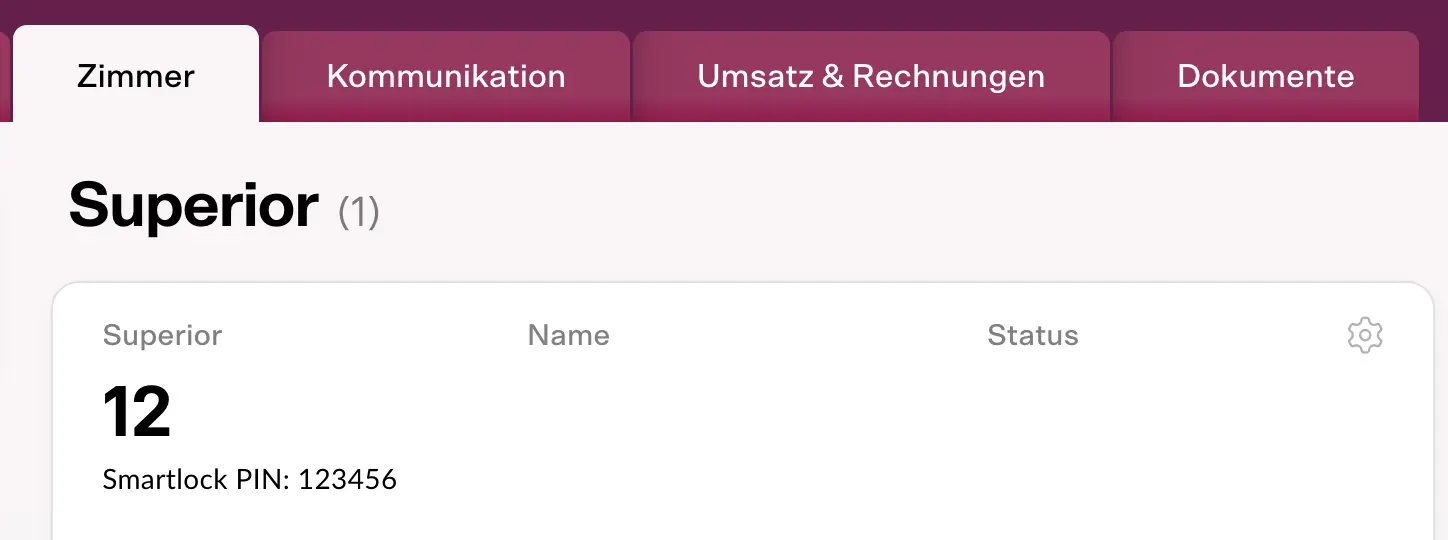
A window will open where you can change the code. Please note that the new code is not automatically sent to the guest. The new PIN code is sent to the locking system immediately; depending on the provider, it may take varying amounts of time for the code to become valid.
Automatic Code in the Reservation Confirmation
Using the variables in the reservation confirmation (Menu: Guests > Mailings), Casona can provide the guest with their automatically assigned code right during the reservation process. This means you don’t have to worry about making sure the guest receives the code yourself. If requested, you can always provide the guest with the code via the field in the reservation and modify it if necessary.
Backup Codes for Greater Security
Casona sends the current codes to the providers as reliably as possible. However, we still recommend creating a separate code for each lock in the NUKI app. You can then provide this code to a guest upon request if the transmission from Casona happens to fail.
