Set Up a Channel Manager
Requirements for a proper connection between Casona and your selected booking portals:
- The names of the room categories must match on the portal and in Casona
- Different rates can be mapped (e.g., “Early Bird Rate,” etc., must have the same name on both sides—in Casona and on the booking portal). This is only necessary if you offer different rates.
Before activating the Channel Manager, make sure that, for example, a Casona category such as “Double Room” is named the same way on Booking.com or other portals.
Activate the Channel Manager in Casona
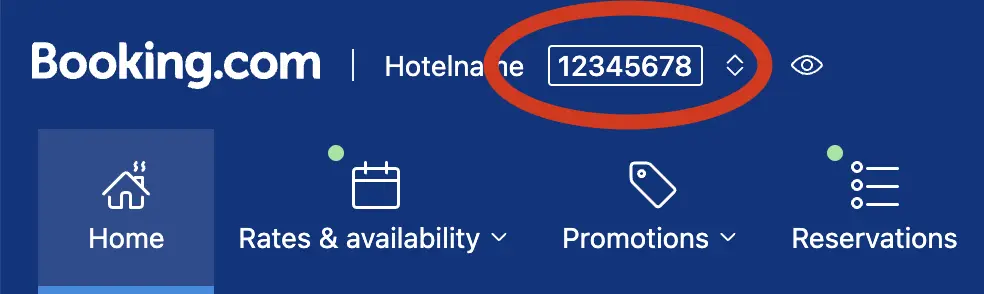
If the Channel Manager and the desired booking portals have already been activated in your account, go to the “Channel Manager” menu item and enter the hotel ID displayed on the respective booking portal.
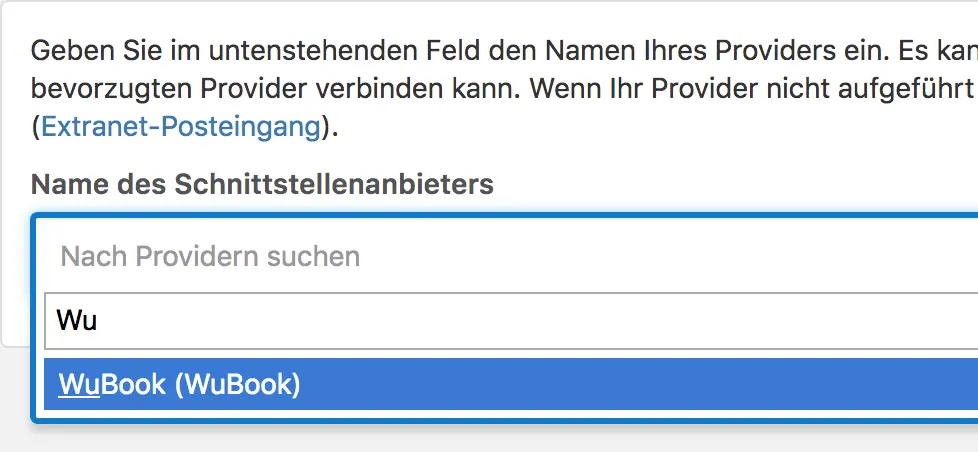
If the Channel Manager has not yet been activated or if you would like to add additional channels, please contact us via email at: channelmanager@casona.com